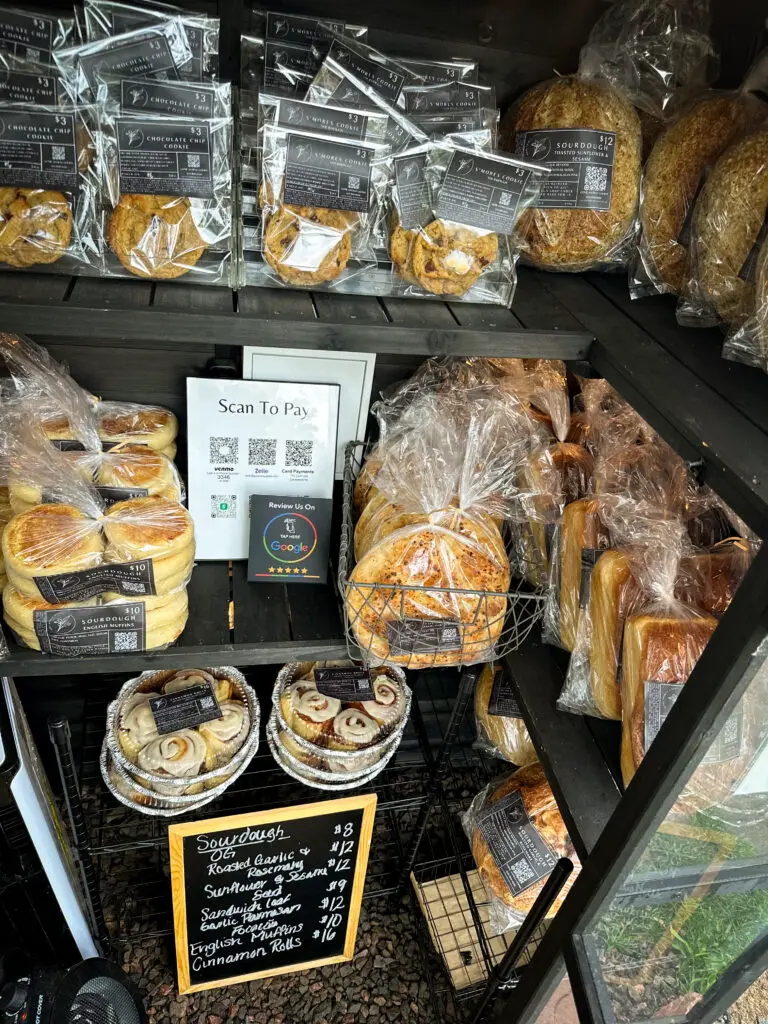
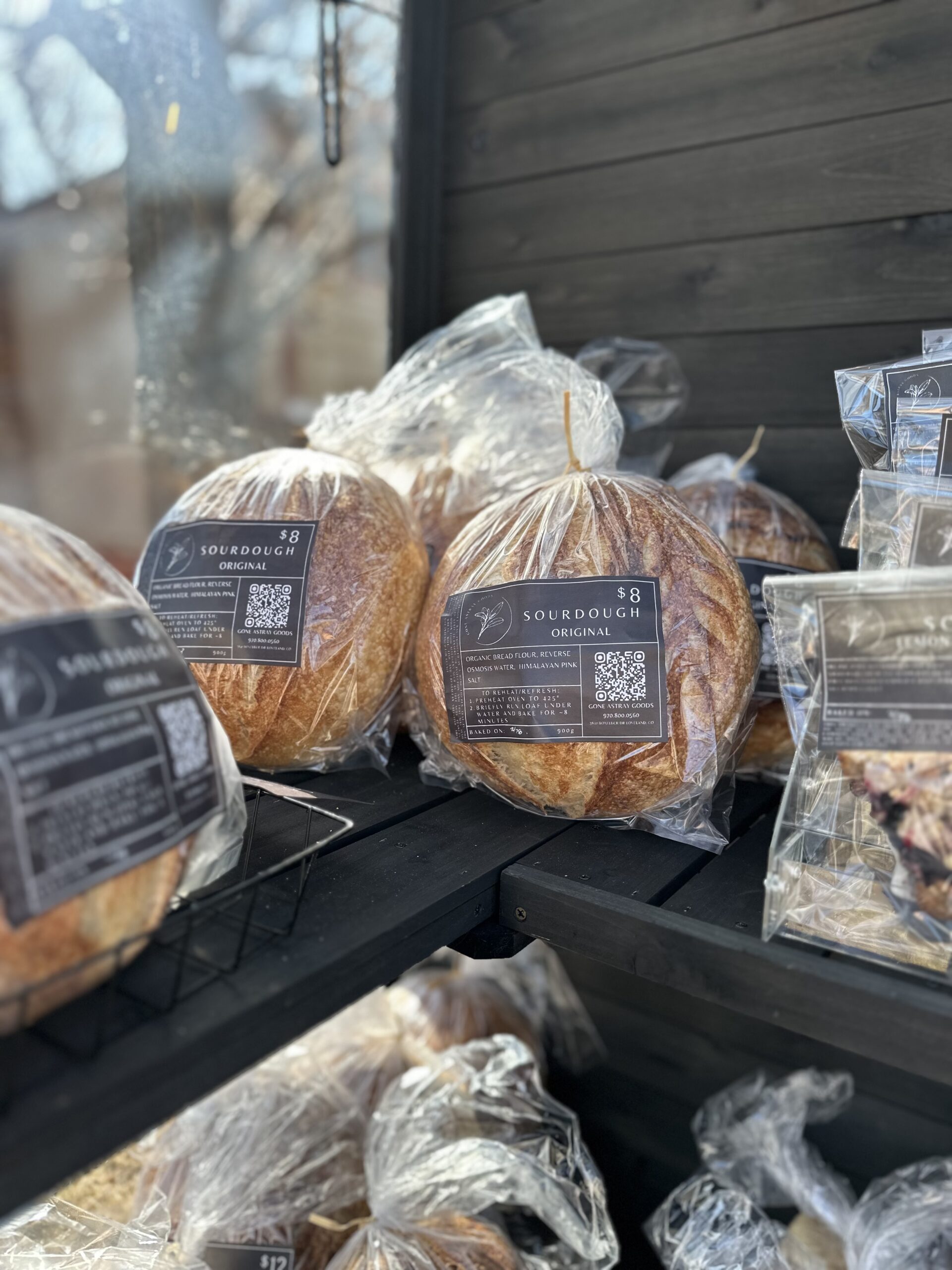
How to Print Your Own Black Product Labels
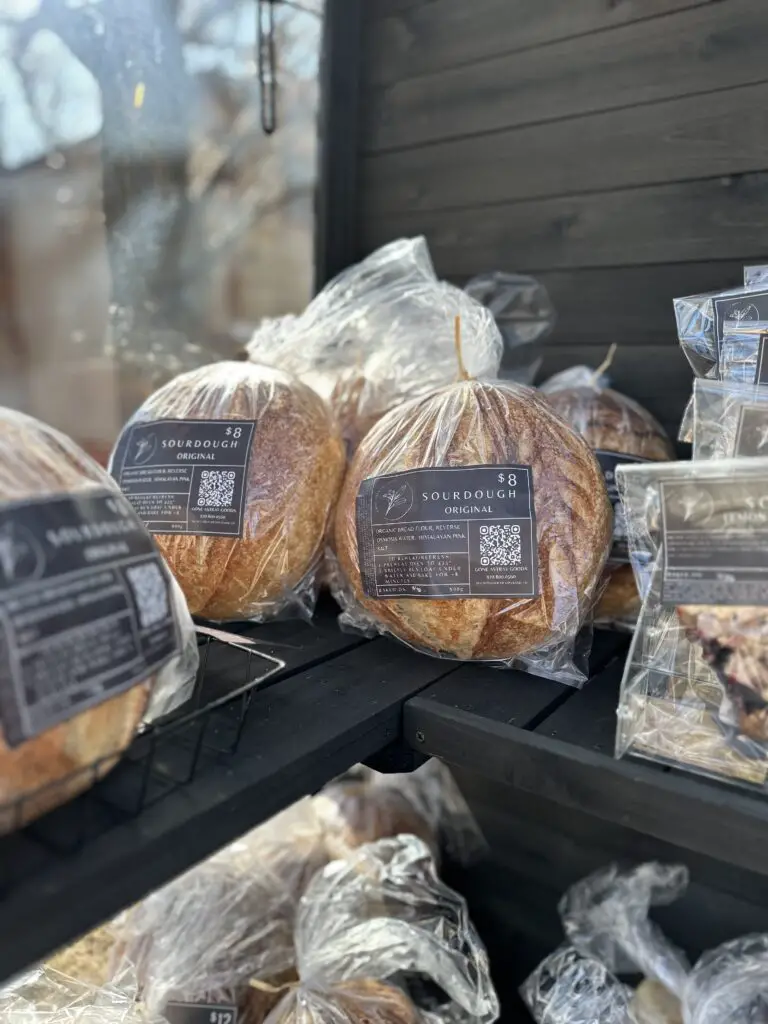
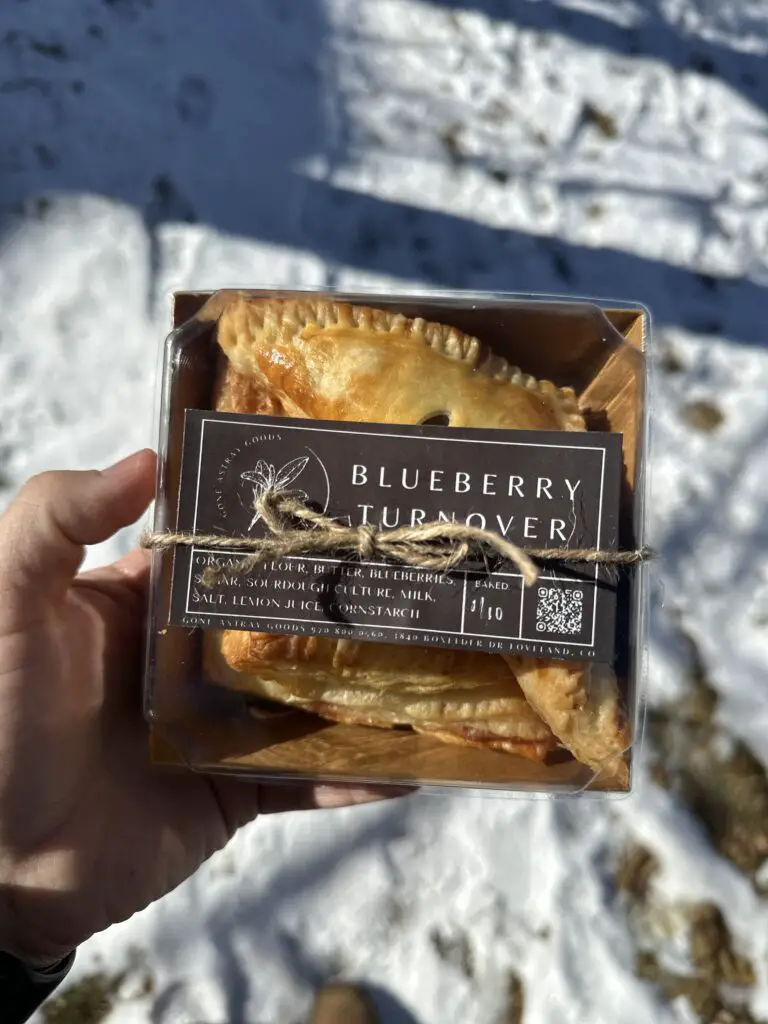
How Do You Make Your Labels?
This is by far the number one question I get asked, almost on a daily basis! The truth is, it isn’t super hard, but you do need the necessary tools!
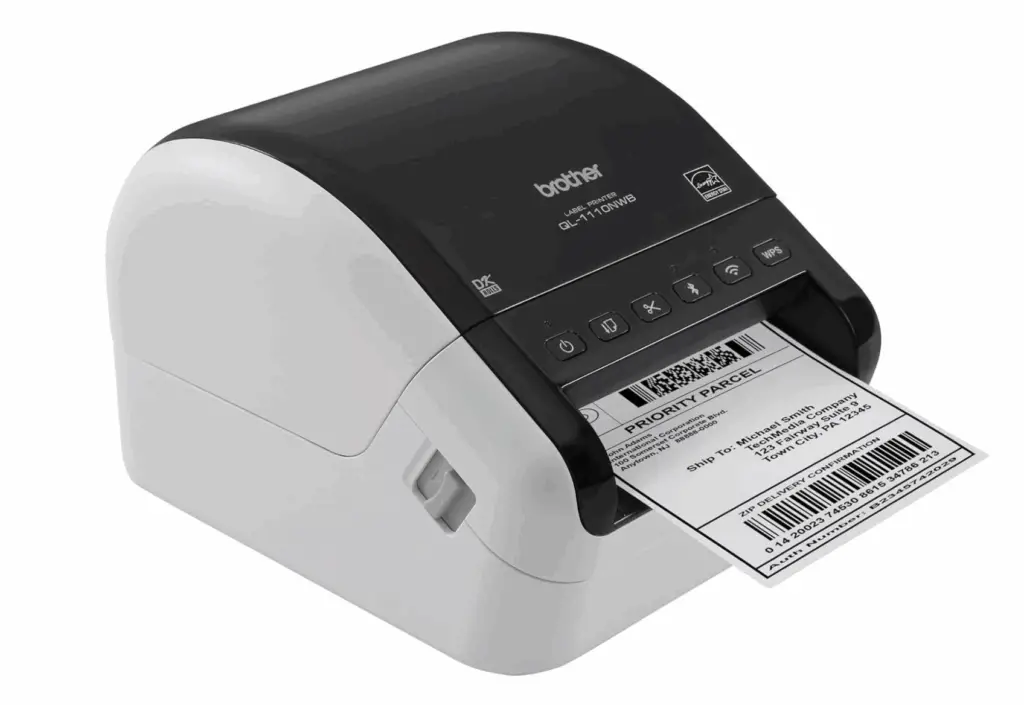
The secret to my black labels is the printer! There is only one thermal printer that I have found that can print at the quality necessary.
*Some of the links on this page are Amazon affiliate links. That means if you choose to make a purchase through one of them, I may earn a small commission—just a few cents—but it costs you nothing extra. It’s a simple way to say thank you for the time, energy, and care I put into sharing all this information with you for free. I truly appreciate your support—it helps keep this going!
It is pretty straightforward after you have the correct printer. Since thermal printers only print black, you just need to design your label with a black background and white lettering.
How Do You Design Labels for Your Baked Goods?
I use Canva to design all my labels! I will have a package of predesigned labels available soon so that you can just customize and go!
Can I Use a Munbyn Thermal Printer to Print Black Labels?
No, not really. They have recently come out with a 300 dpi version of their printer and I purchased it to see if it was feasible with this printer. While it was better than their other printers, it didn’t print quality black product labels that I’m used to.
Is it Cheaper to Print Your Own Product Labels?
The main draw of printing your own labels with a thermal printer is that you never have to buy ink. You make a large upfront investment on the printer and then the only recurring expense thereafter will be the labels. The good news is that there are plenty off brand labels for this printer that are good enough quality to make professional looking labels. I get these replacement labels and they come out to about 6¢ a piece!
What’s The Catch?
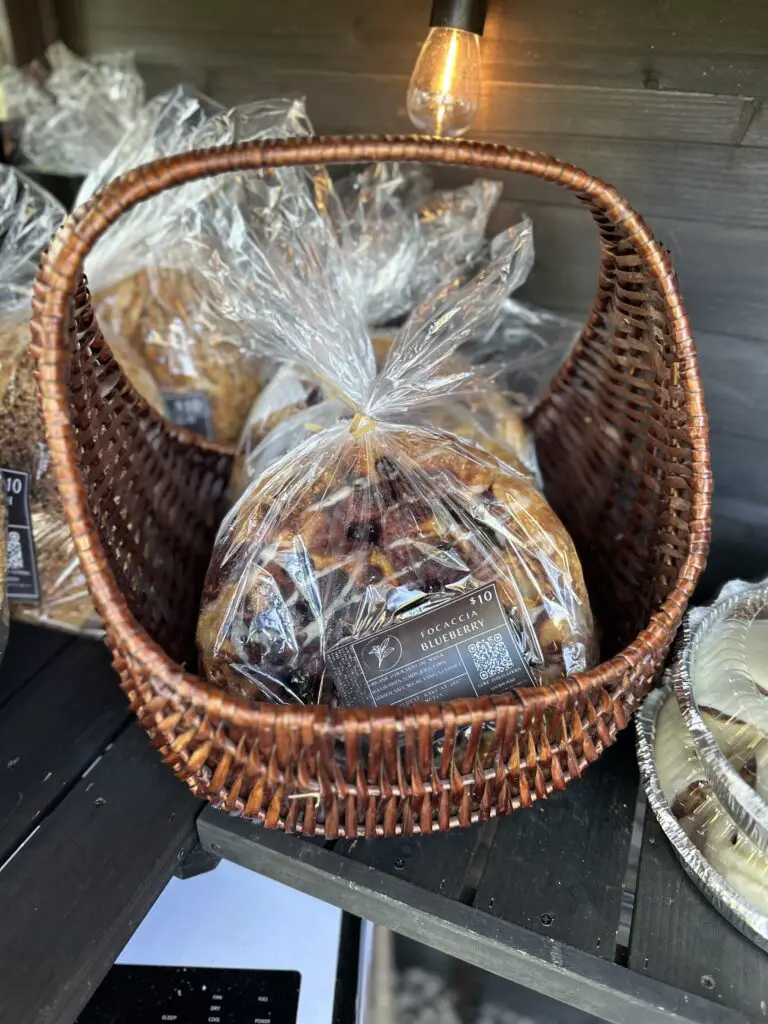
The only downside of these labels is that they print with a white border where the printer doesn’t print. I cut out all these labels myself! There are two cutting tools I use to make it quicker:
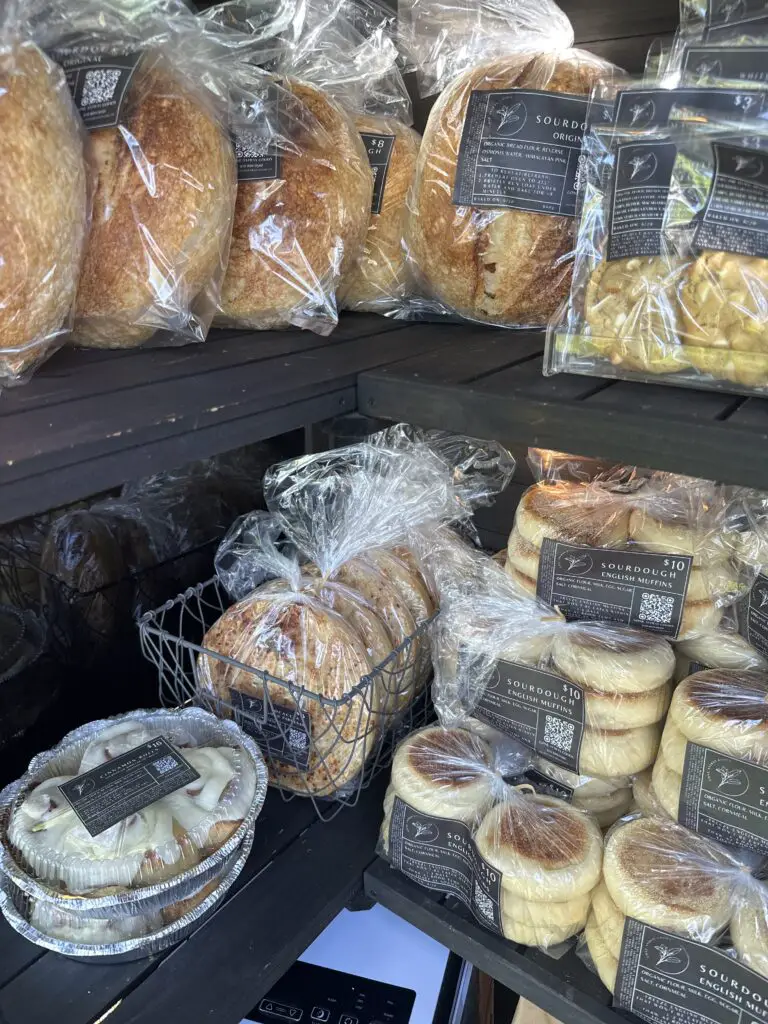
Coming Soon!
Label Template Bundle – Includes:
- Customizable Labels: Multiple label designs to choose from and personalize to fit your branding!
- My Trade Secrets: Tips and tricks on getting higher quality prints with your thermal printer.
- Unlimited Support : Sometimes we need a little help while learning new things! I’m available for any questions you have getting your new labels designed and printed for your brand!